
Product guides
Step-by-step help for using Sellrow: from setting up your organization to collecting dues, selling tickets, and verifying payments.
Getting started as an organization
Create your organization account, set up your public portal, and share your first payment link.
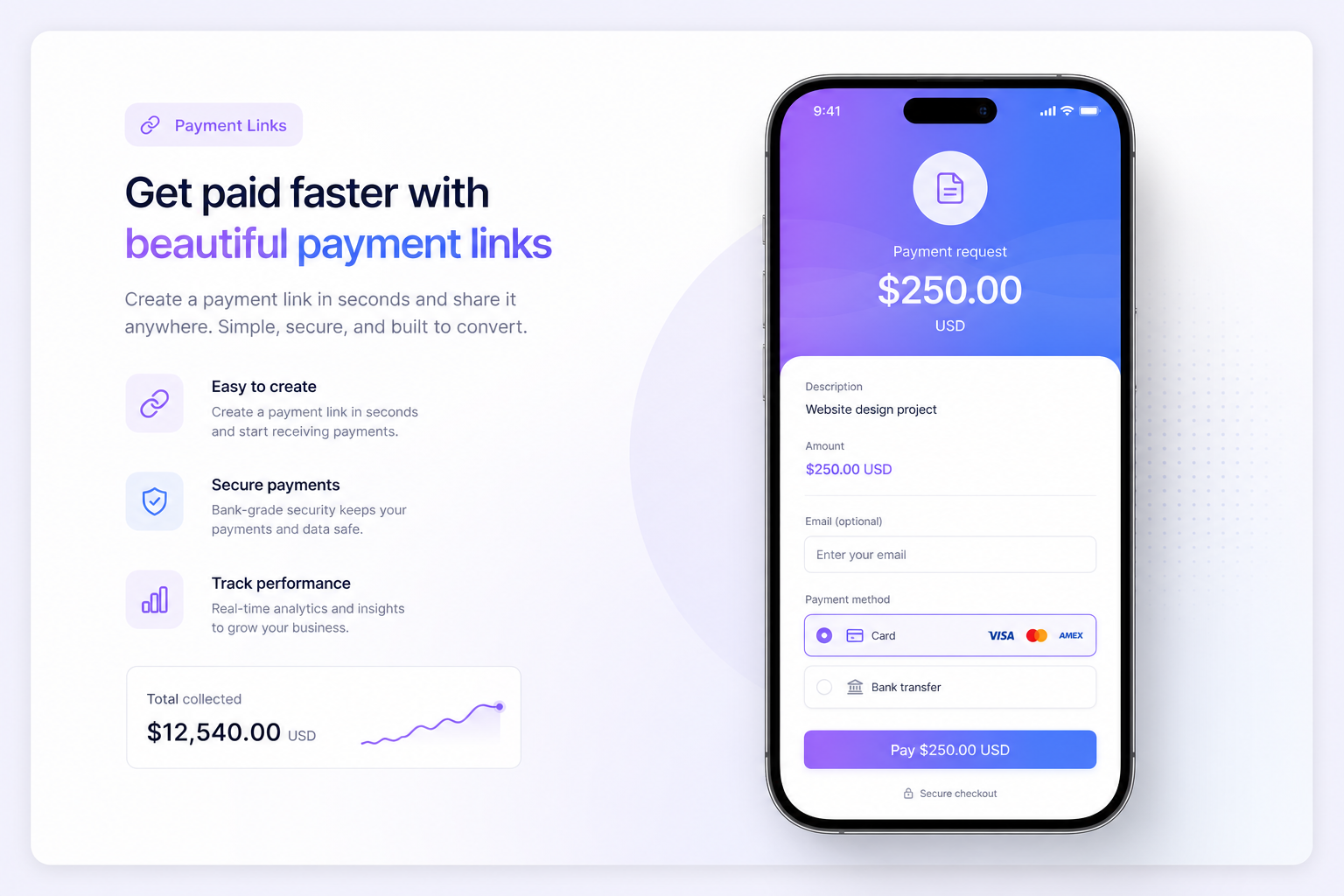
Collecting dues
Create dues packages, set payment link slugs, and share direct payment links with members.
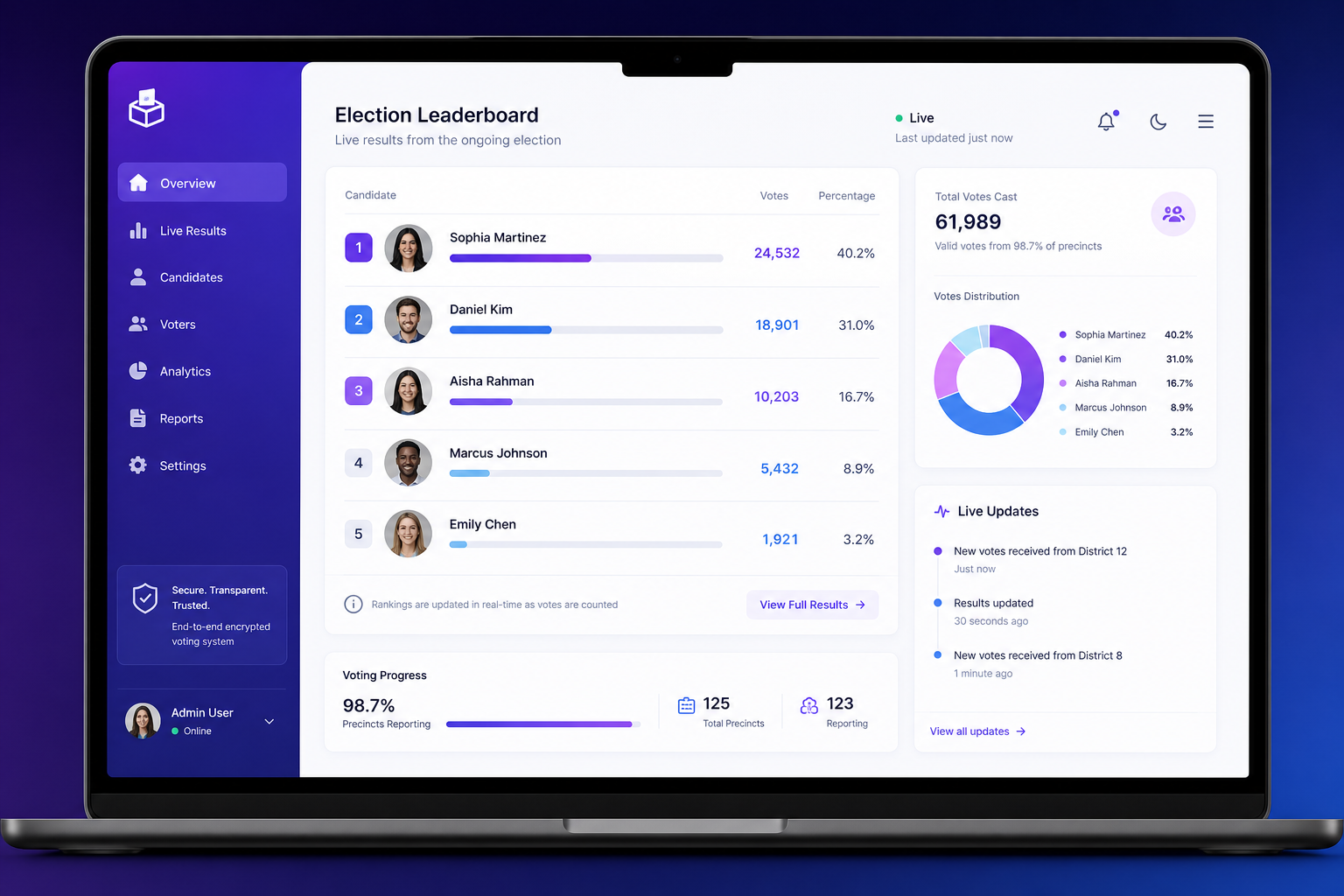
Running votes & elections
Set up candidates, open voting, and watch live results roll in on a tamper-proof leaderboard.

Selling event tickets
Create ticket products, set capacity and event details, and track sales in real time.
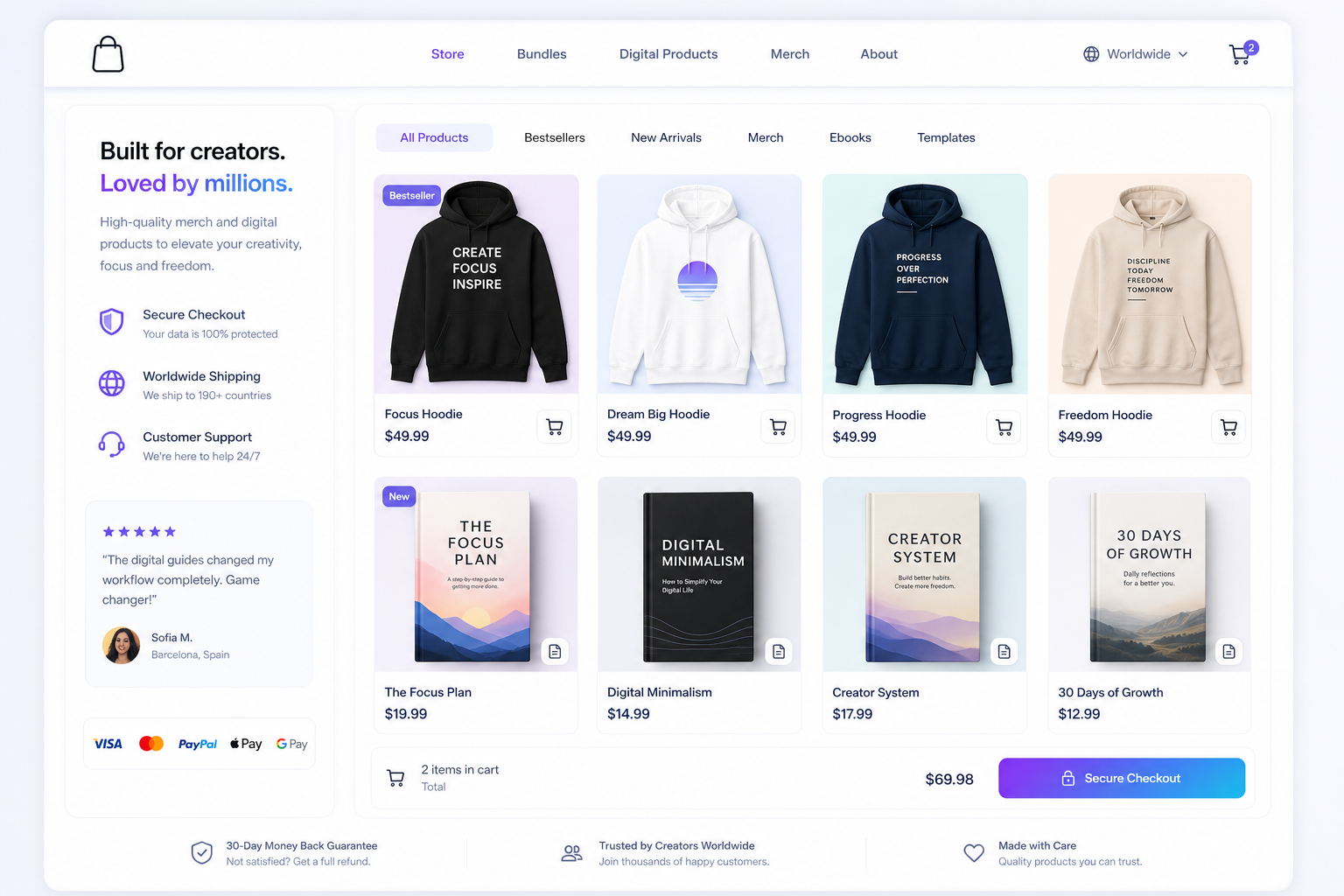
Selling merchandise & digital products
Add products to your org store. Members can buy from your public portal or via shareable links.
Verifying payments
Students and executives can confirm any order or payment reference to avoid fake receipts.
Shareable payment links
Each dues, ticket, or merch item has a short link you can share (e.g. /a/your-org/annual-dues).
Need more help? Visit our Support page or use the FAQ on the homepage.